Ummahti.
Ummahti is a clock for your home that plays the adhan at your own mosque’s prayer times. You set it up with the Ummahti app on your phone.
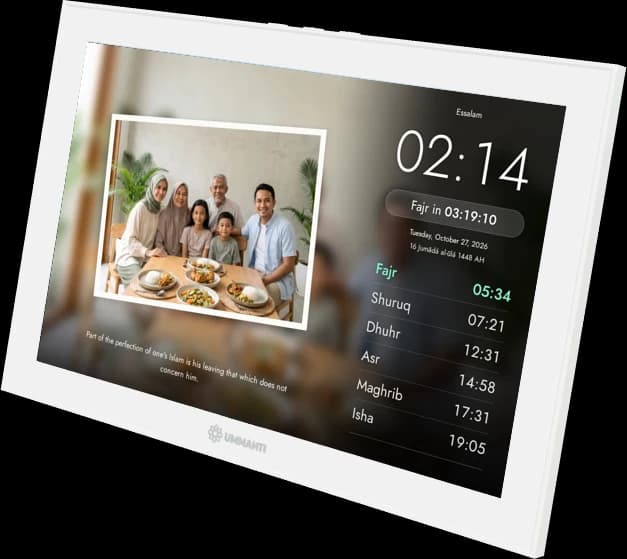
Ummahti is a clock for your home that plays the adhan at your own mosque’s prayer times. You set it up with the Ummahti app on your phone.
The screen shows the time and today’s prayer times. When it’s time, the adhan plays. In between, the clock can play the Quran for you.
There are more than 40 themes, calm and easy to read. You switch in the Ummahti app or on the clock itself.
Your own photos as a slideshow
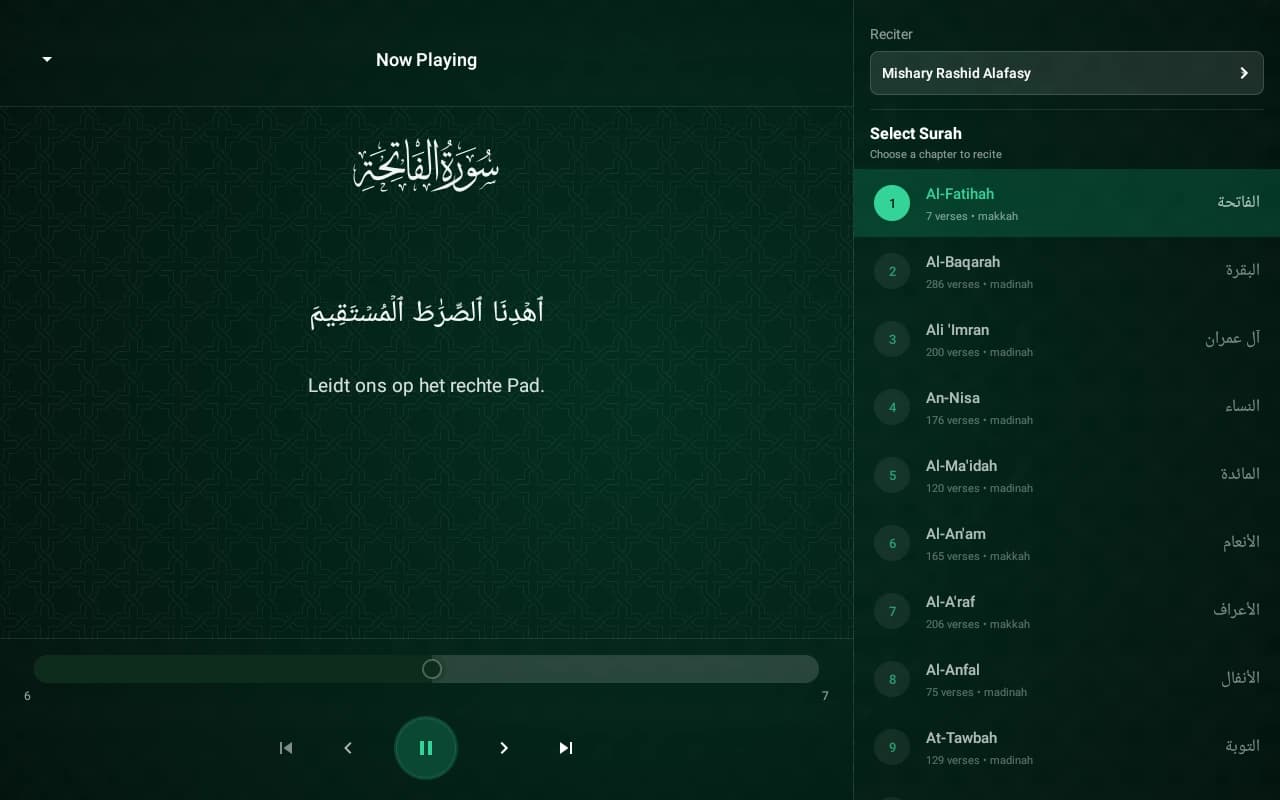
The clock plays recitations itself, so you don’t need your phone for it. If a prayer comes up while you’re listening, the Quran pauses for the adhan and then carries on where it left off.
Themes
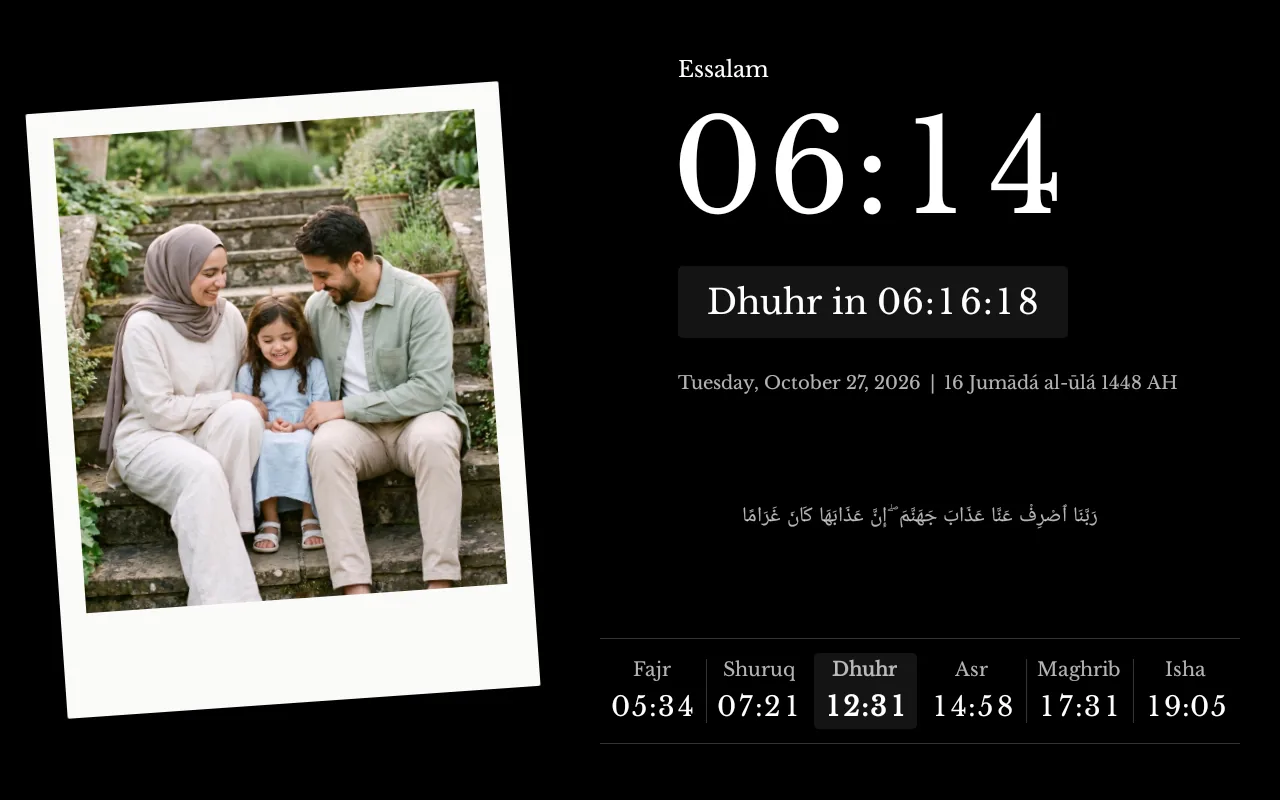
A few of the more than 40 themes. Some show your own photos as a slideshow, others keep to the time and the prayer times. The next prayer always appears in your own accent colour.
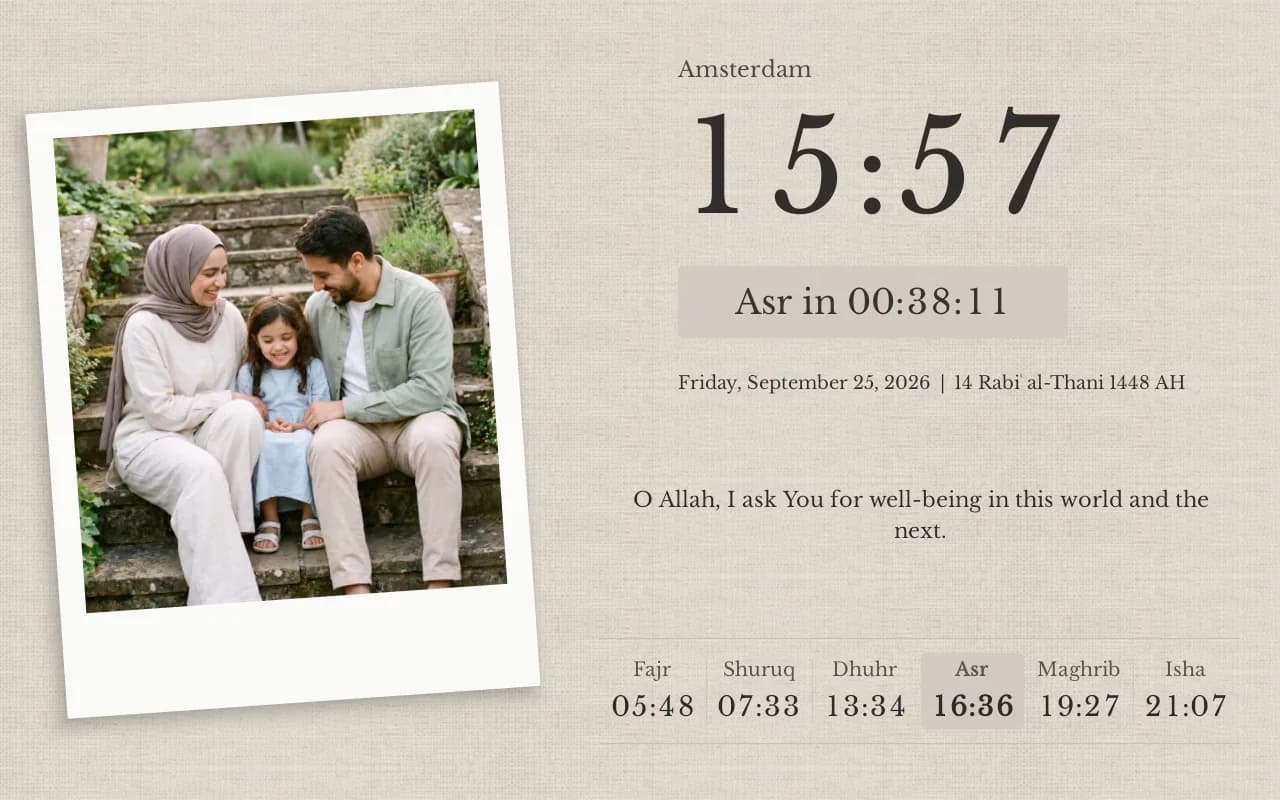
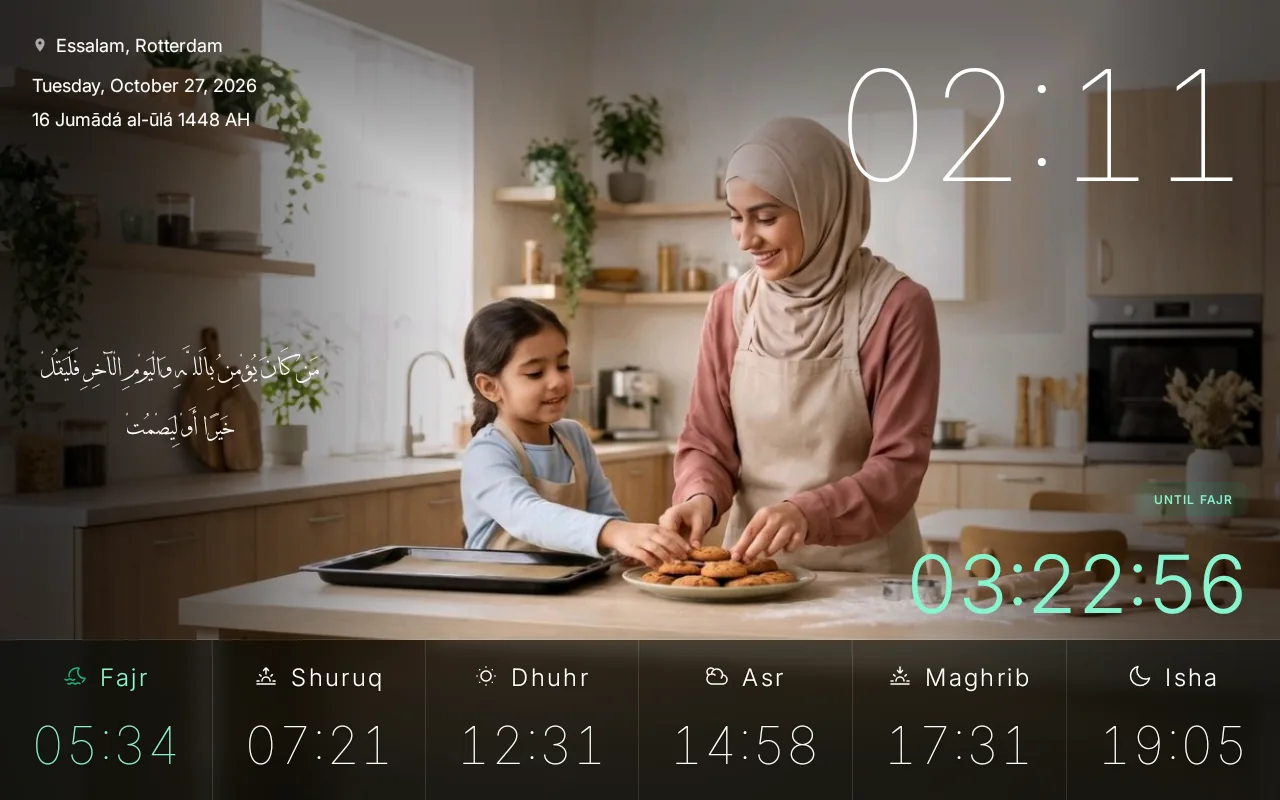
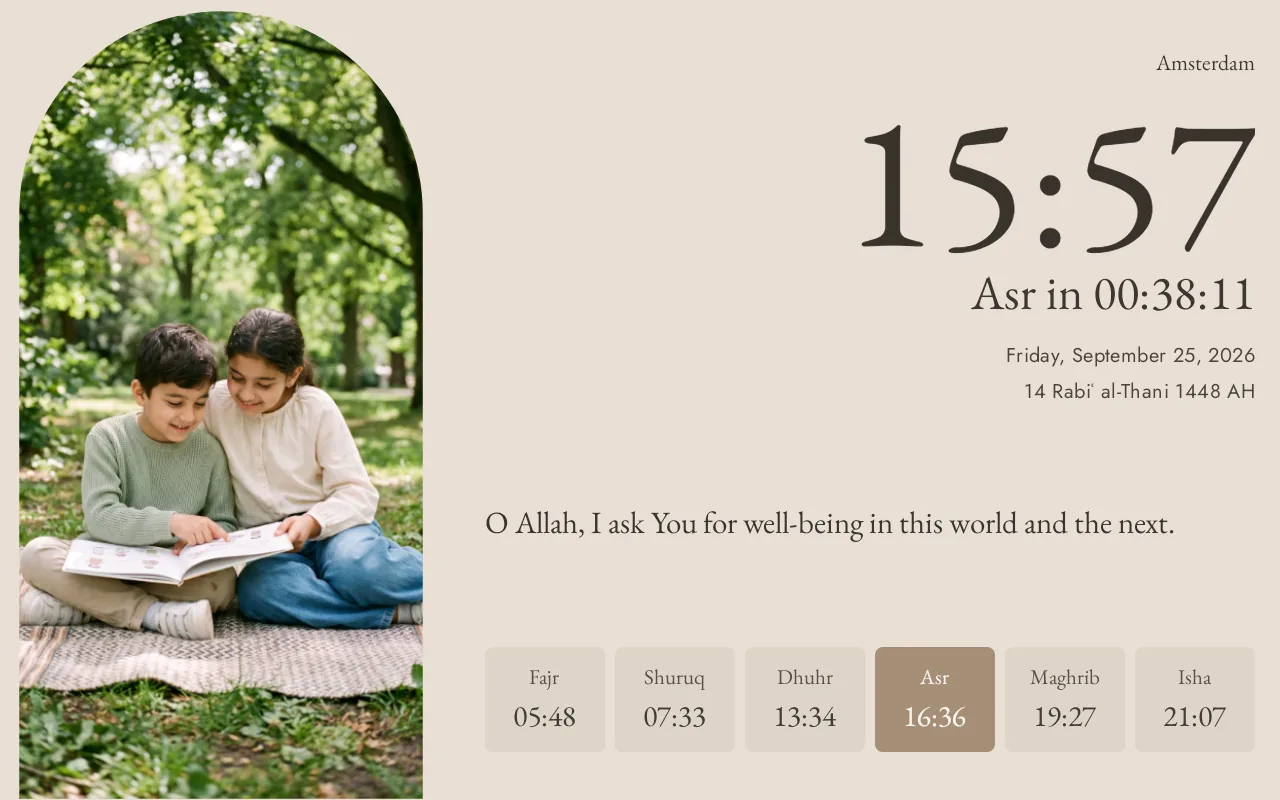
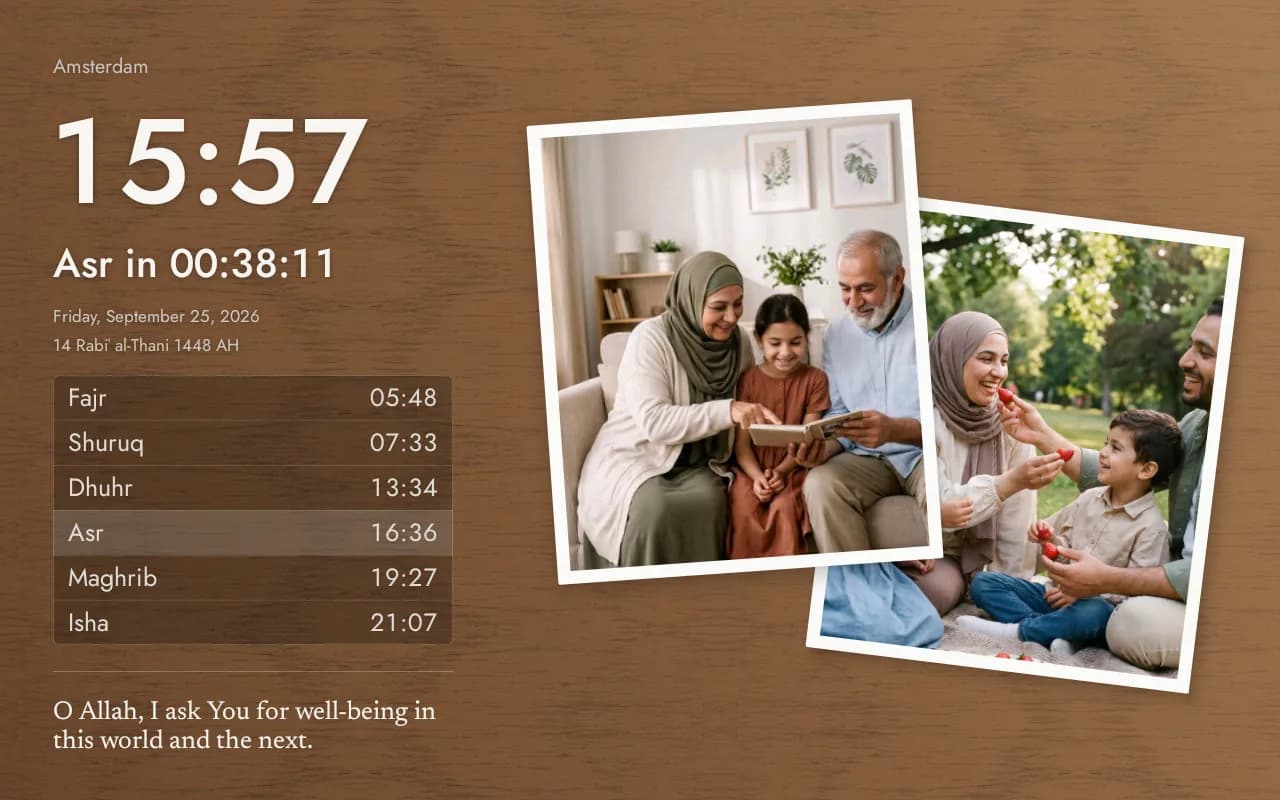
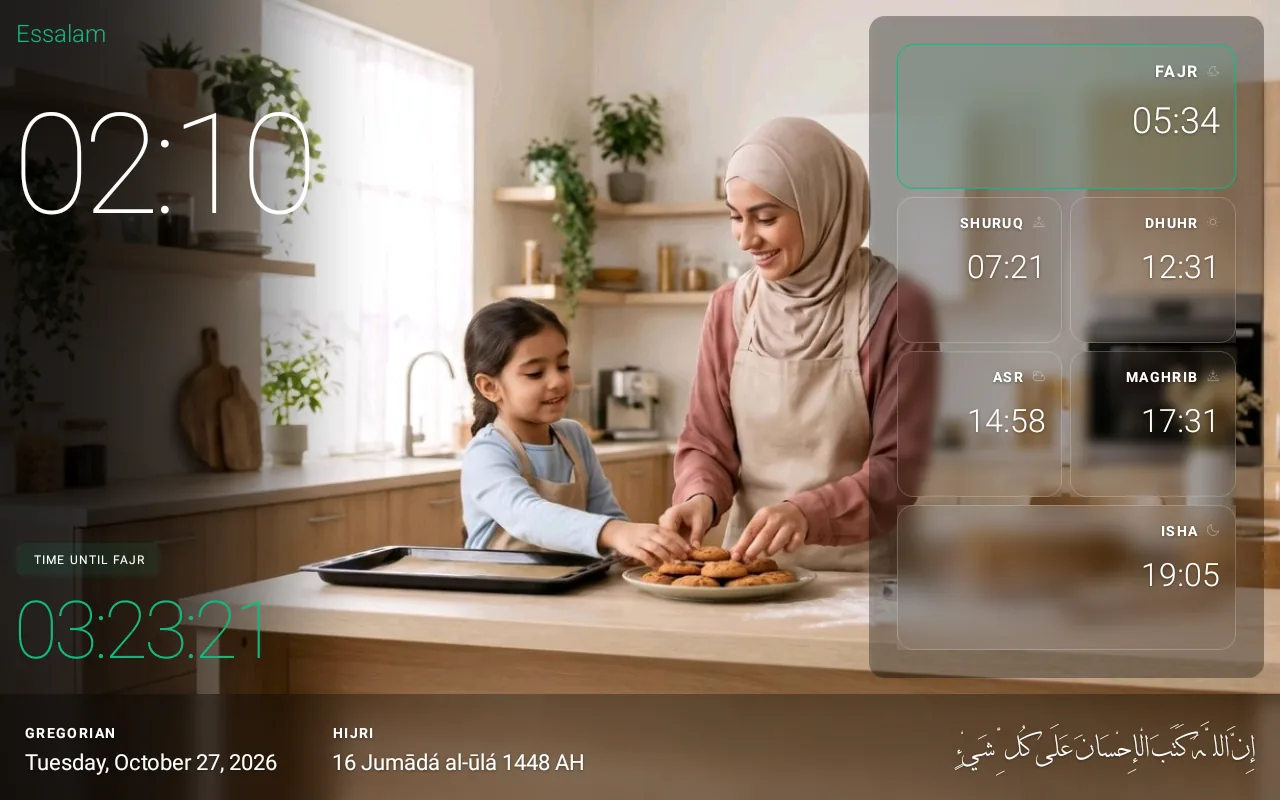
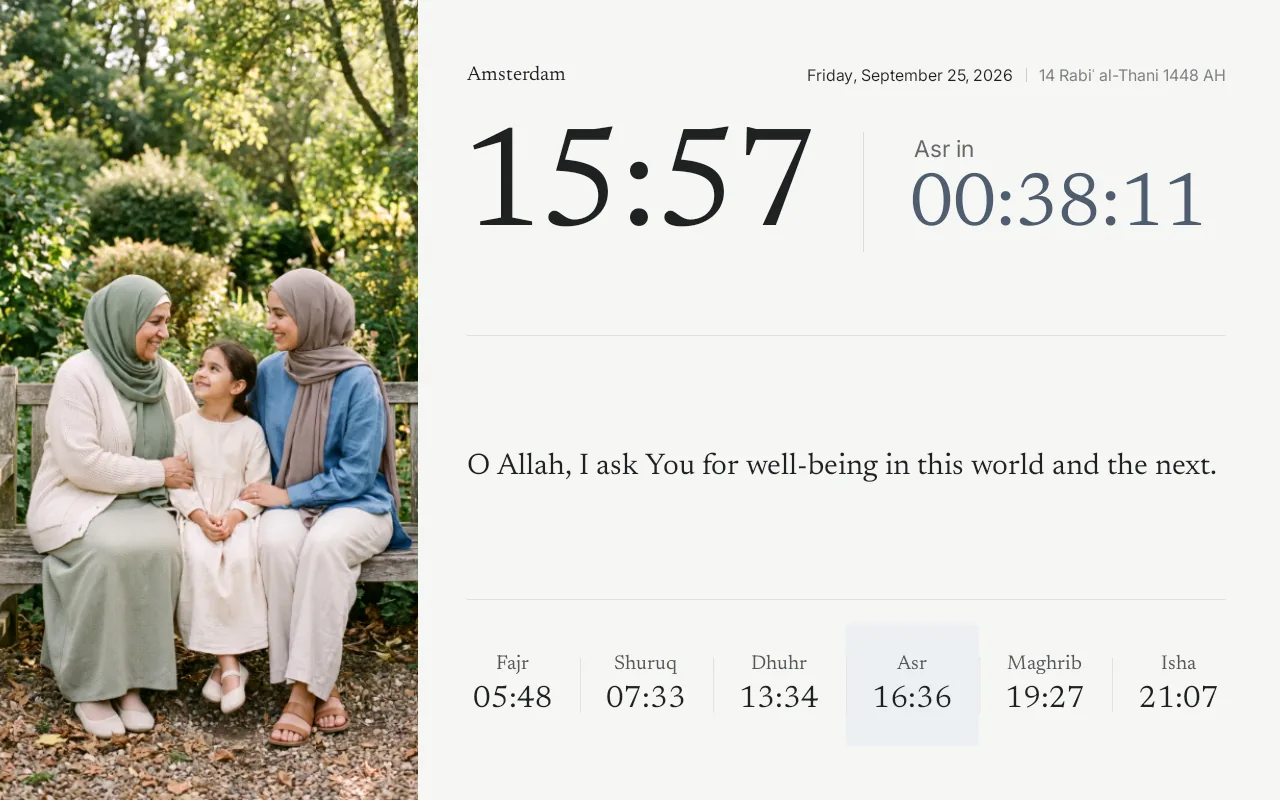
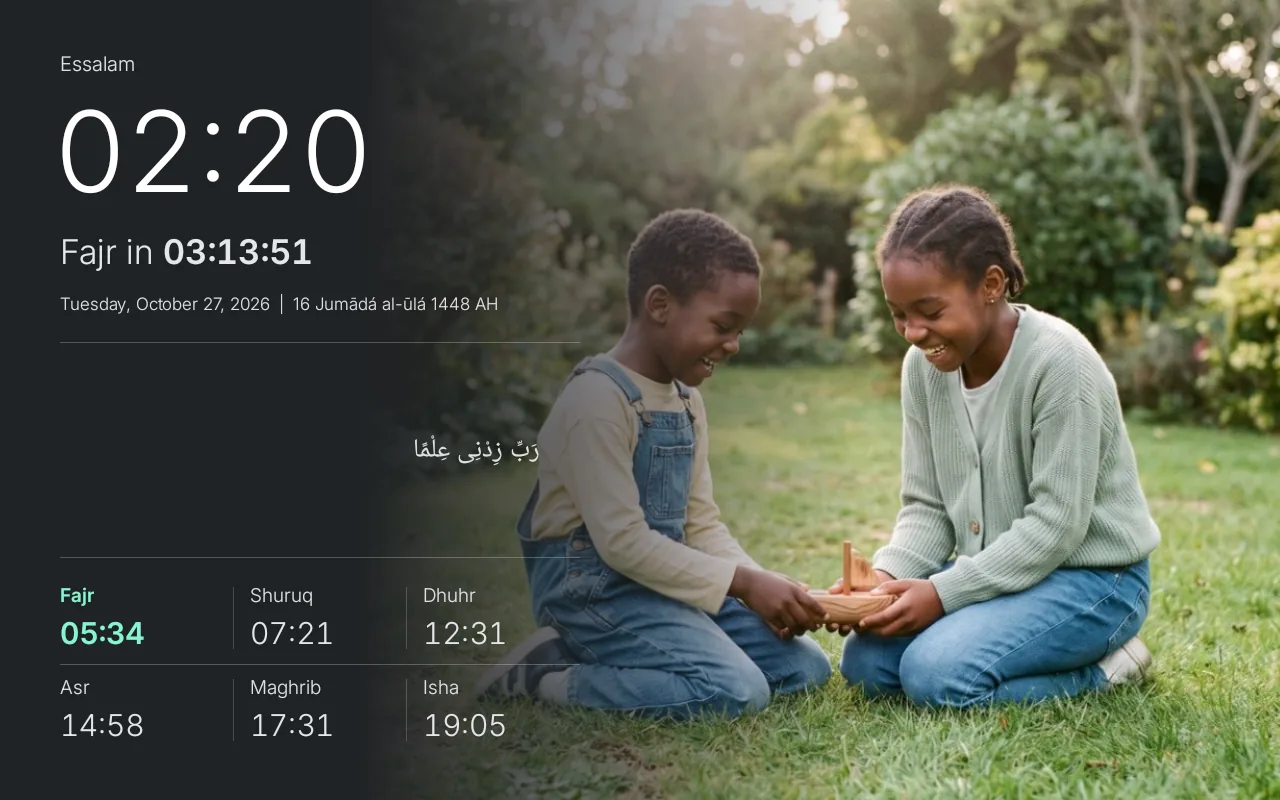
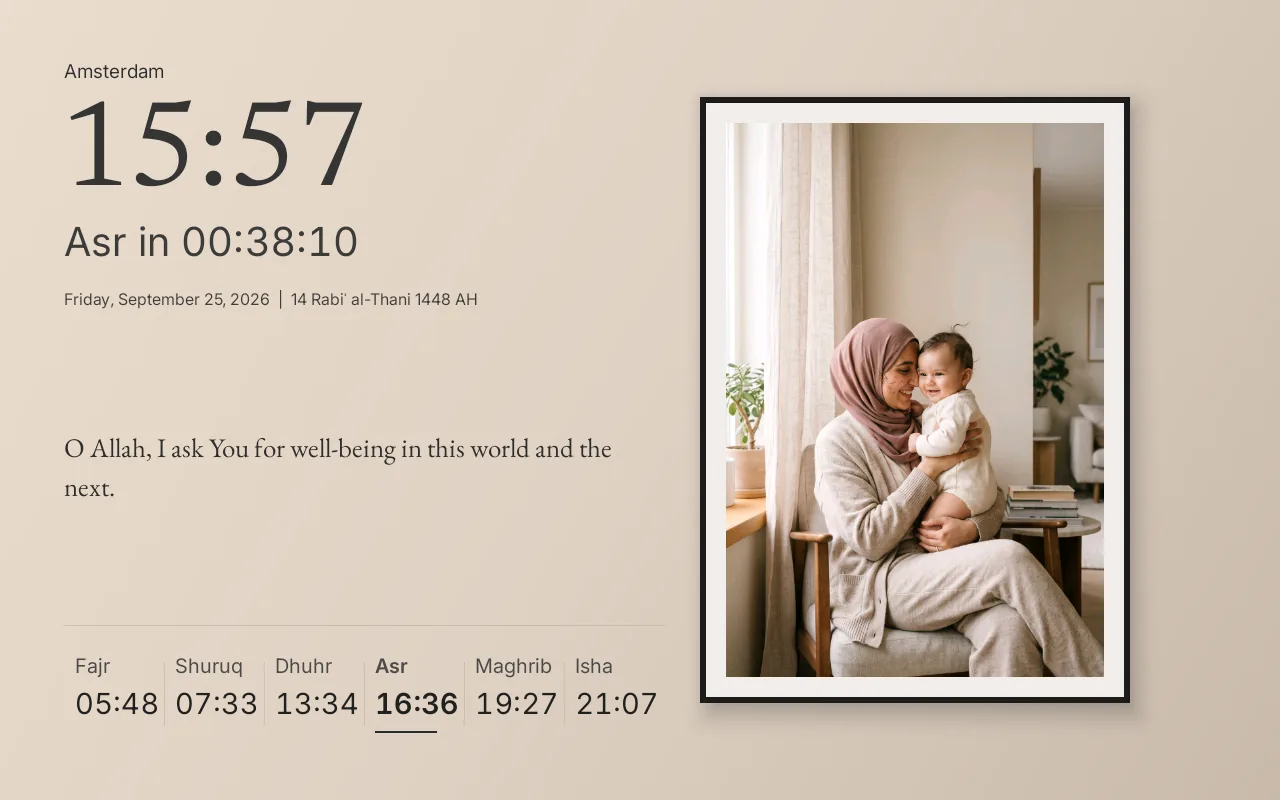
After Maghrib, a light theme switches to a dark version by itself, and back again at sunrise. That way the clock gives off less light in the evening, which is nice in a bedroom.
You choose the theme and the accent colour in the Ummahti app or on the clock.
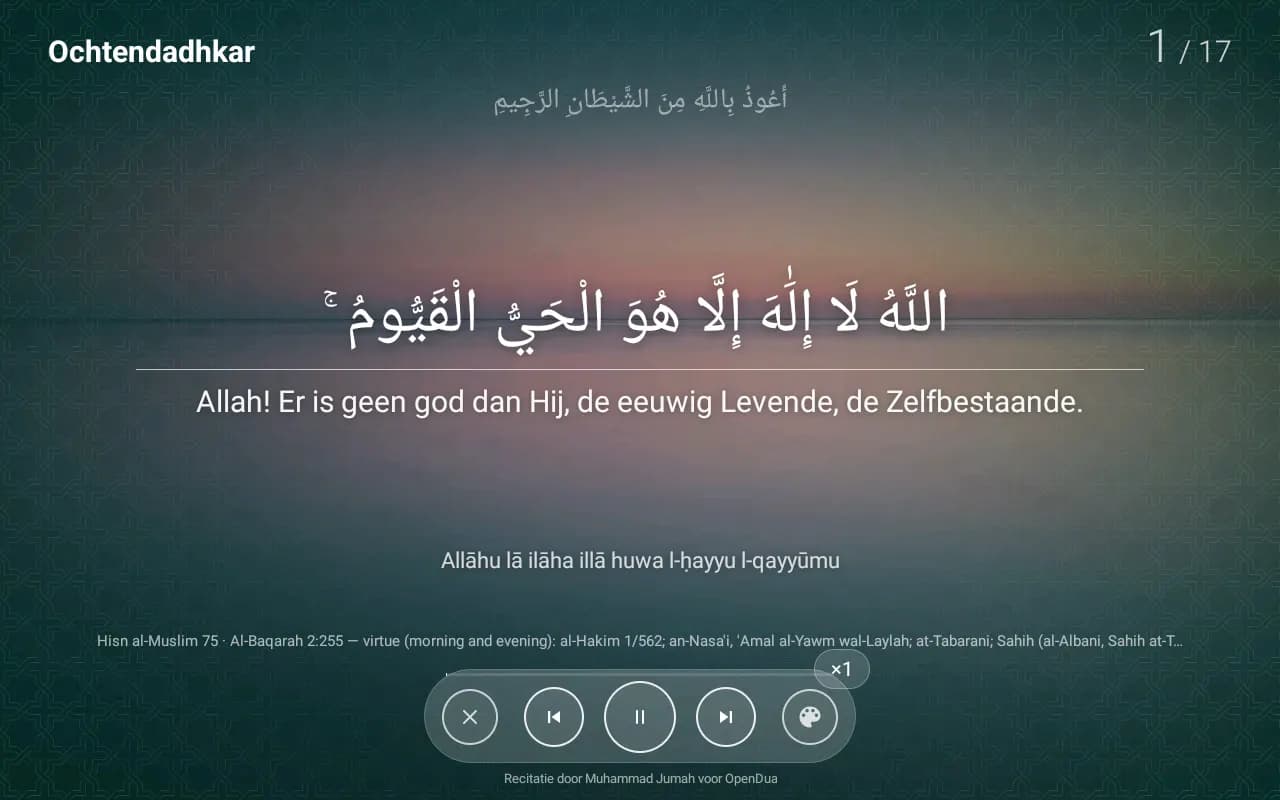
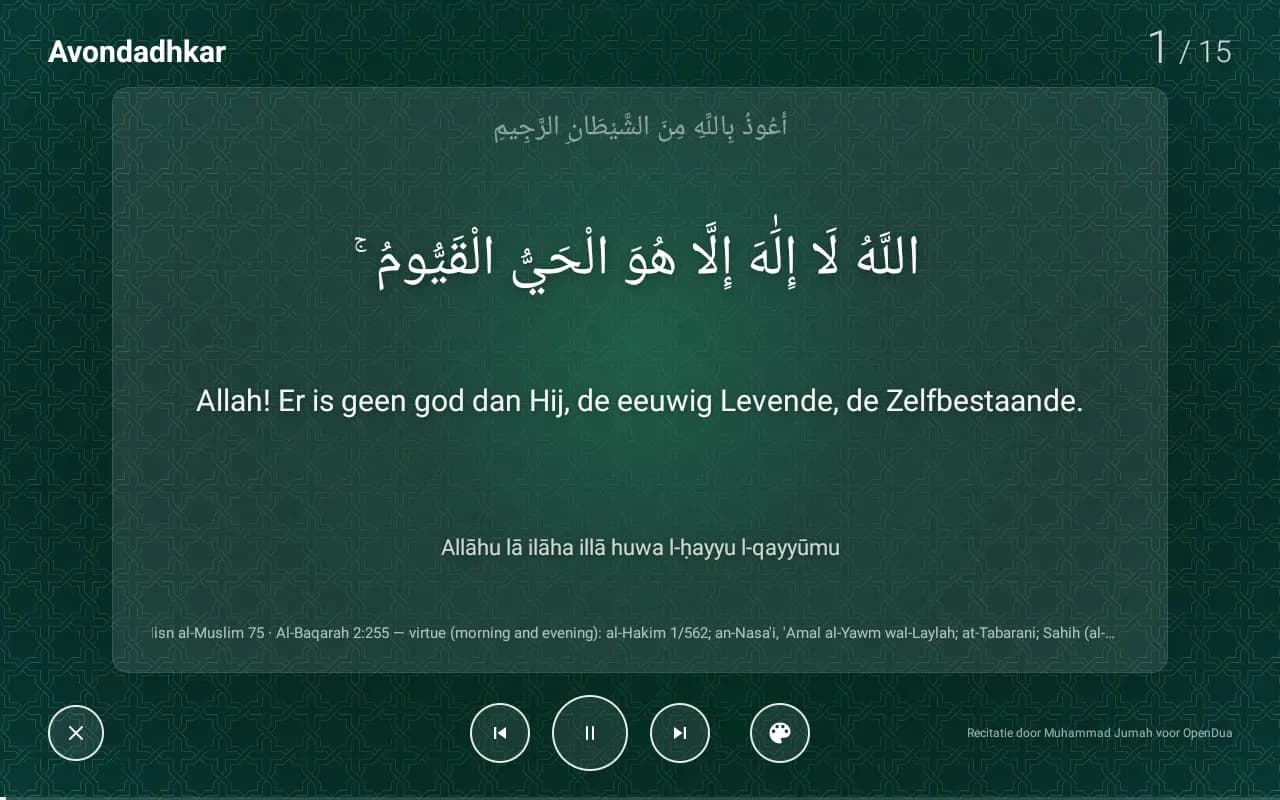
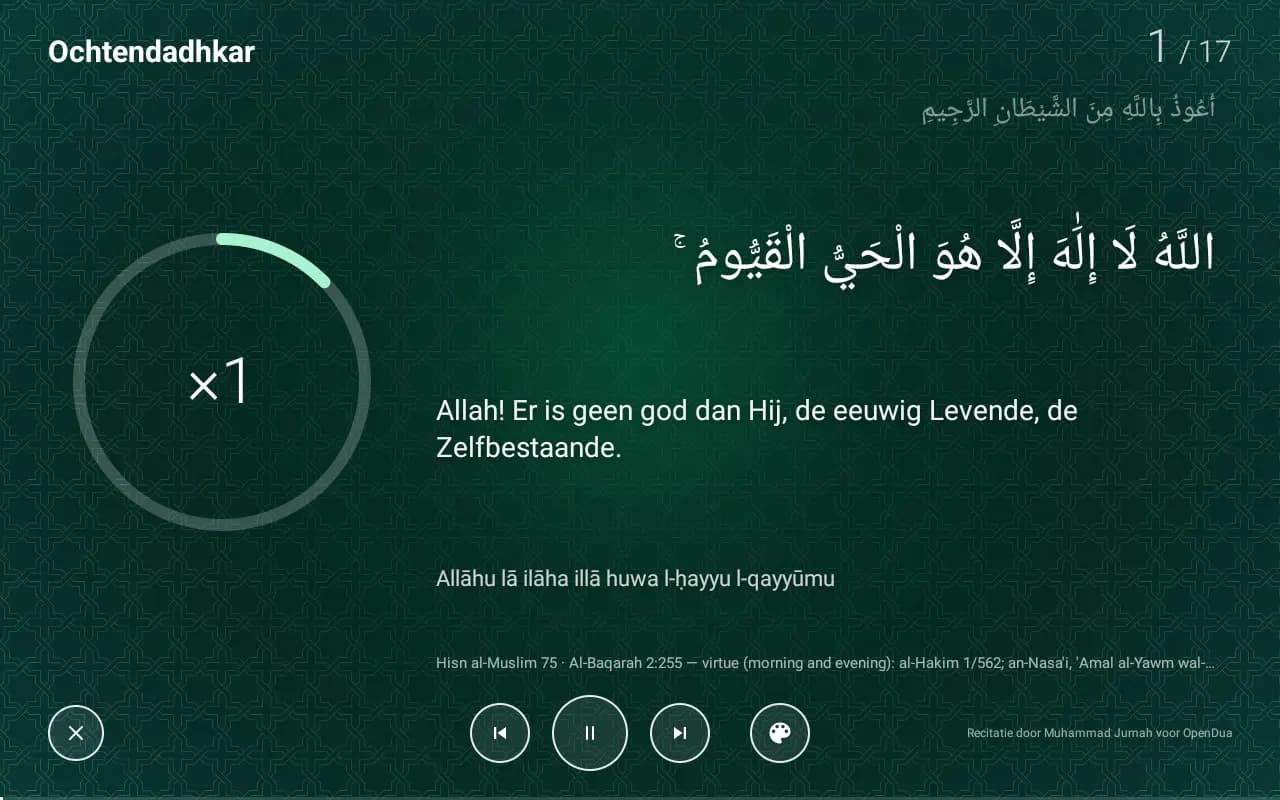
Morning and evening adhkar
If you like, the clock starts the morning and evening adhkar from Hisn al-Muslim at a time you choose. You hear them recited and read along in Arabic. The sentence being recited is highlighted, with the transliteration and translation underneath.
You set the times, the voice and the look on the clock, under Settings.
At night
You choose when the night starts and ends, at a fixed time or around a prayer. During those hours the clock shows only a soft red clock with the time to the next prayer, or the screen goes off completely. The adhan still plays as usual.
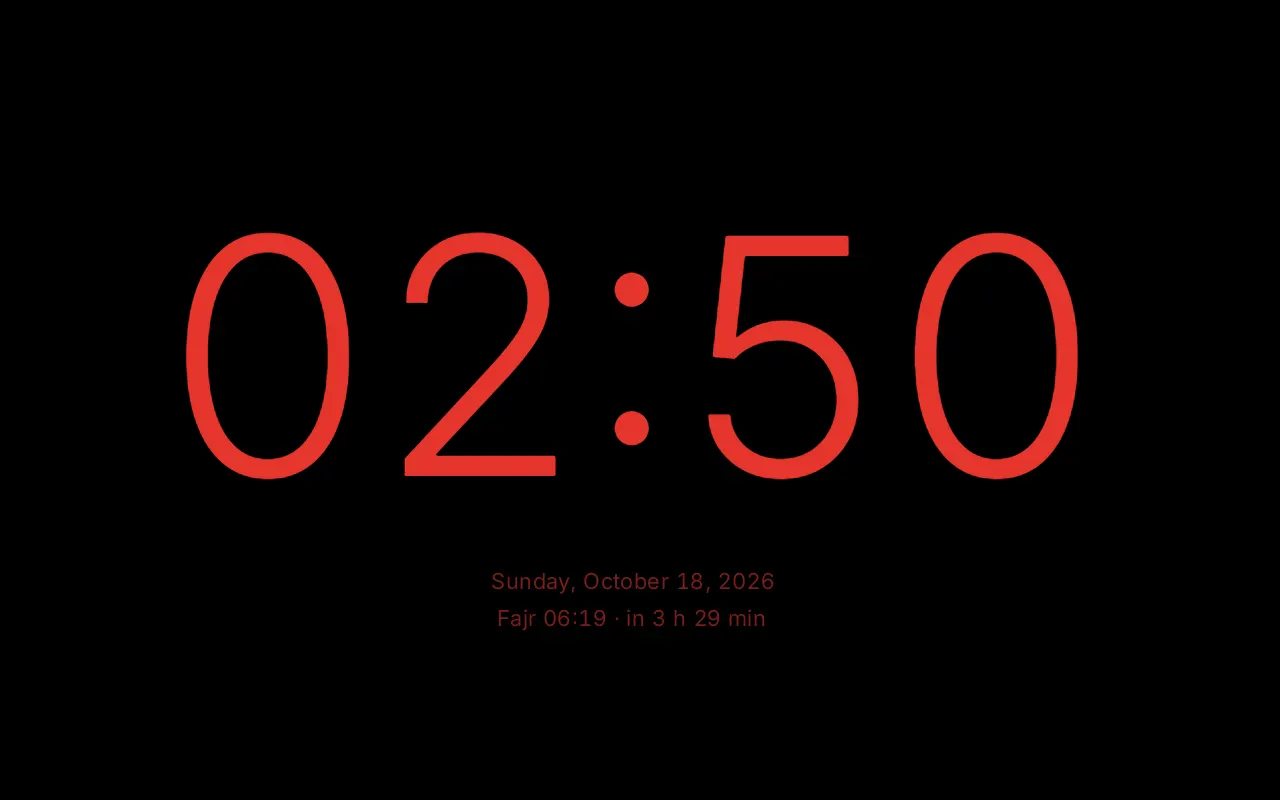
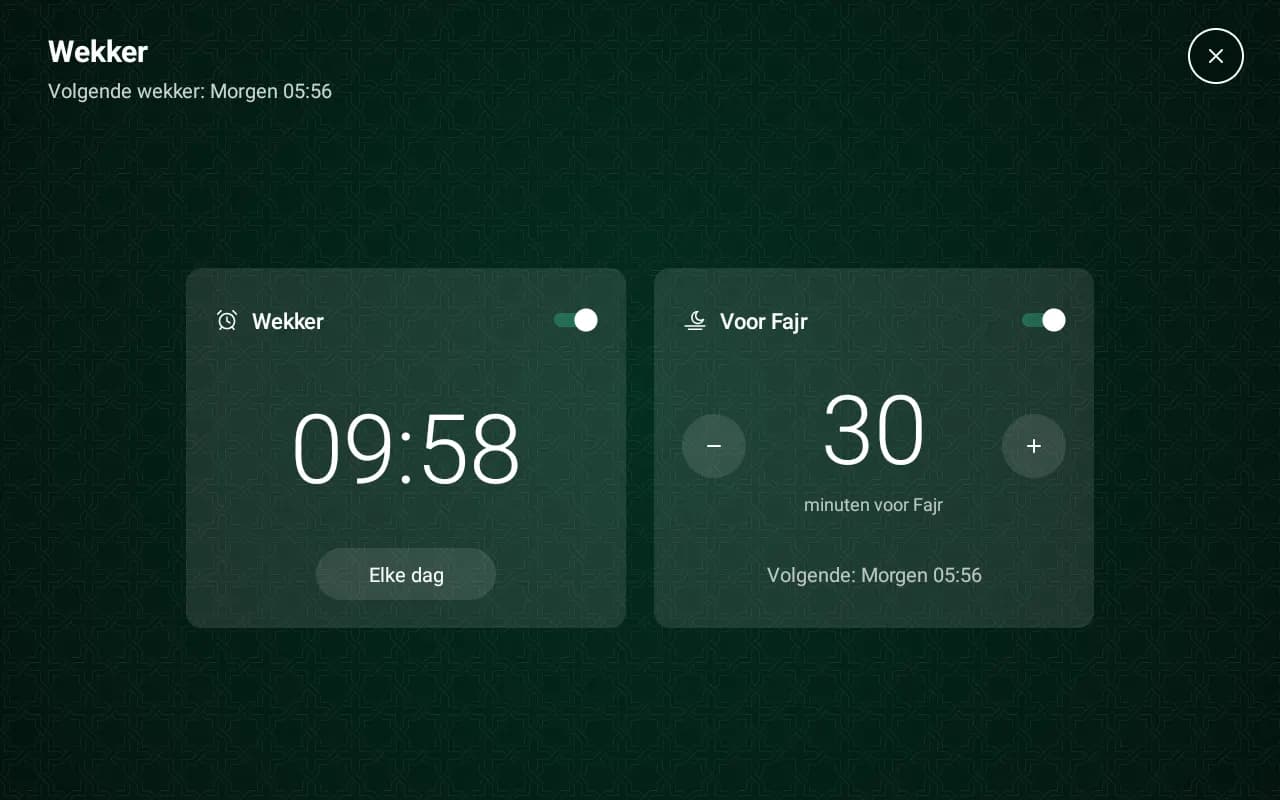
Don’t want the screen off, just less bright? The clock can dim by itself in the evening. You set the night schedule and dimming in the app or on the clock, and the alarm only on the clock.
Your mosque’s prayer times
The list has mosques from these countries, each with the times the mosque publishes itself. Is your mosque missing? You can request it, and use your city with a calculation method until then.
You choose your mosque in the Ummahti app or on the clock.
Languages
The clock and the Ummahti app for iOS and Android are available in Dutch, English, French, Spanish, Arabic, Turkish and German.
Once it’s unpacked, all you need is wifi and the Ummahti app.
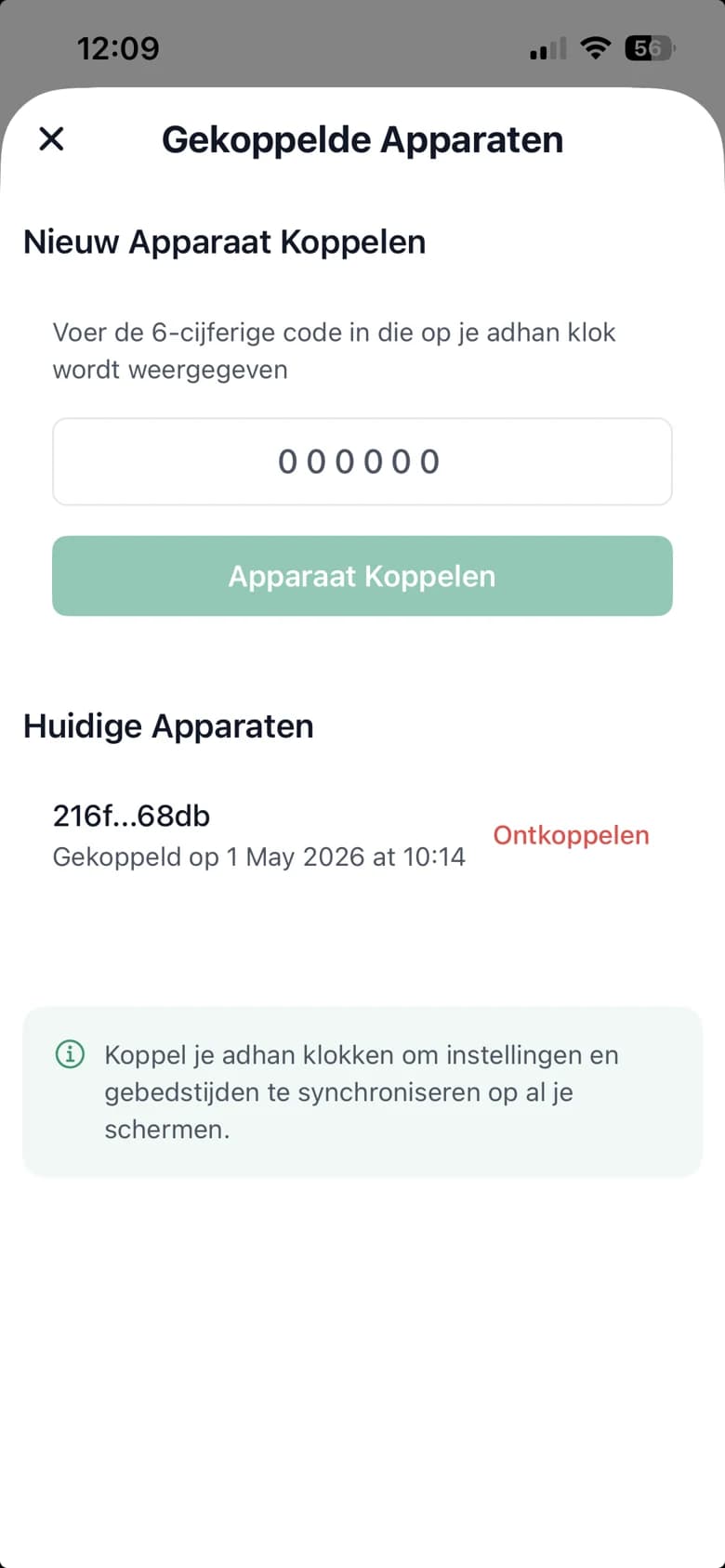
Turn on the clock and connect it to your wifi. Then sign in to the Ummahti app and enter the six-digit code shown on the clock.
Choose your mosque in the Netherlands, Belgium, Germany, France or Spain. If it isn’t there, use your location with a calculation method.
Pick a theme and, if you like, add your own photos. You can do this in the app and on the clock itself.
Ummahti app
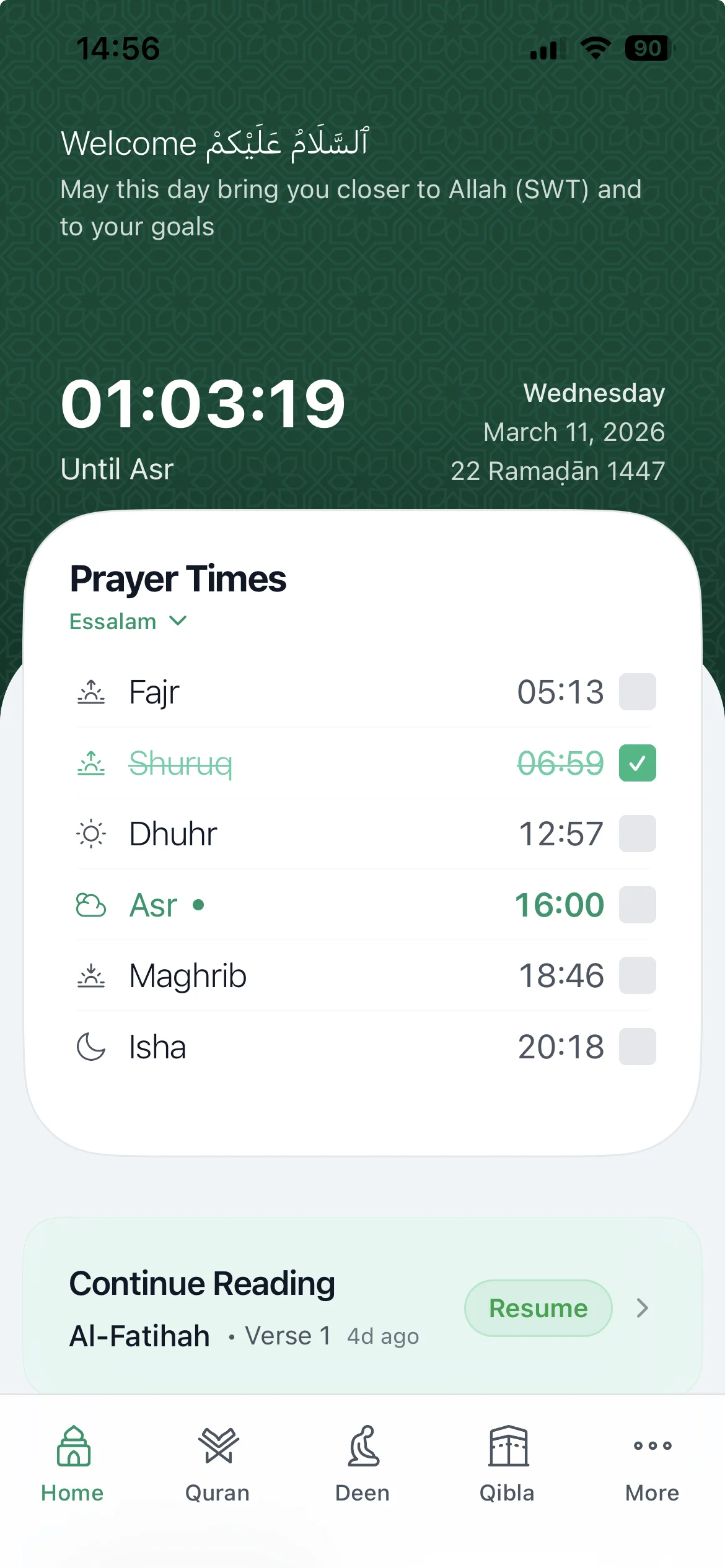
With the Ummahti app for iOS and Android, you set up the clock from your phone. You choose a theme, put your photos on the screen, adjust the prayer times and decide when the screen should be quiet at night.
In the app you can also read the Quran, count your dhikr and look up duas.
The app shows the prayer times for wherever you are and points to the qibla, also when you’re travelling.
Yes. The clock then calculates the times for your city, using the calculation method you choose. If your mosque is in the list, the clock takes over the times the mosque publishes itself.
Yes. You put your photos on the clock with the Ummahti app and choose a theme that shows them as a slideshow. Not every theme uses photos, so you can also go without.
Turn on the clock, choose your language and time zone and connect to wifi. Then install the Ummahti app, sign in and enter the six-digit code shown on the clock’s screen.
No. You pay €169 once and nothing after that. Everything the clock can do is already included, and updates are free.
Ummahti Adhan
An adhan clock with a 10.1-inch display that follows your own mosque’s prayer times and that you set up with the Ummahti app. You pay €169 once, with no subscription.
One-time, no subscription · incl. VAT
Free delivery in the Netherlands